Renewing a California License or ID Online Instead of at an Office
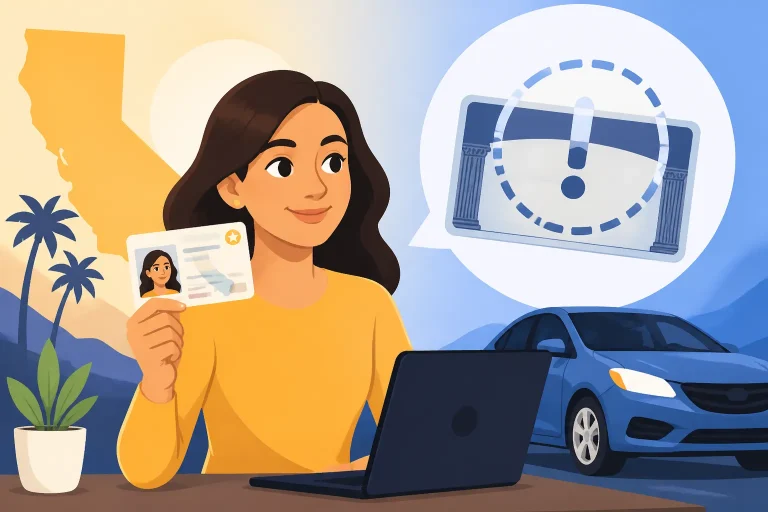
Renewing a California license or ID can feel like a choice between an online form and an office visit. The right route depends on what the DMV allows for your renewal and what your notice says. Here’s how to check your options, prepare for an online renewal, and handle situations where the online route does not fit.
What online renewal can do and what an office may not
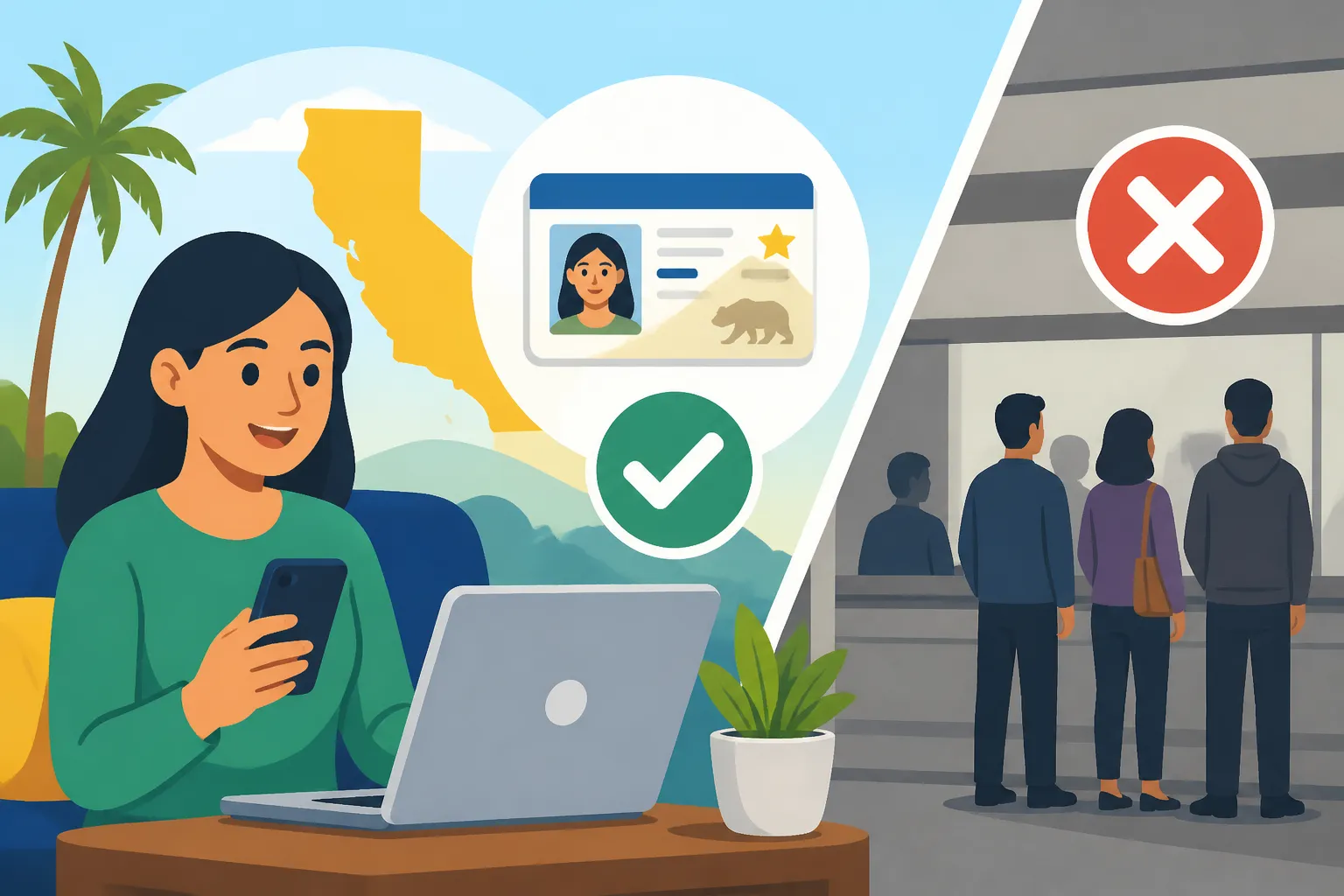
The California Department of Motor Vehicles offers online services for renewing a driver’s license or ID card and for upgrading to a REAL ID. That gives many people a way to handle renewal without planning a counter visit. The service options are not a guarantee that every person or every transaction can be completed online, however. Check the DMV’s official renewal service and the instructions on your notice before deciding how to proceed.
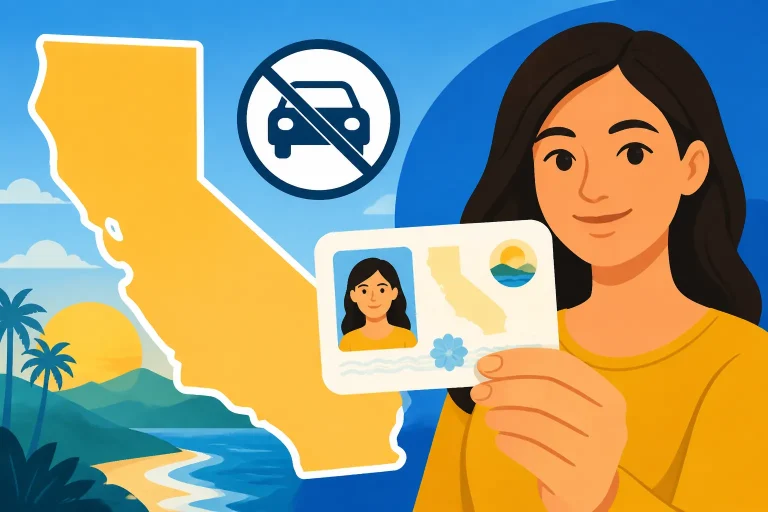
There is a second point that can surprise people: an office visit is not automatically the fallback for a renewal. According to the California Department of Motor Vehicles, it does not offer counter service for driver’s license or ID card renewals unless the renewal notice specifies otherwise. If your online renewal is unavailable, read the notice carefully rather than assuming that walking into an office will solve the problem.
This distinction matters because “online renewal is offered” and “the office will renew my card at the counter” are not the same promise. The first tells you that the DMV has an online service for renewals. The second depends on the instructions that apply to your specific transaction. If your notice gives a different direction, follow that direction or confirm the correct next step with the DMV.
| Your situation | Practical next step |
|---|---|
| You want to renew a license or ID | Check the California DMV’s official online renewal service and your notice for the route available to you. |
| You want to upgrade to a REAL ID | Review the DMV’s online service and the REAL ID instructions; confirm whether any part of your transaction needs an office visit. |
| The online service does not let you proceed | Read the notice for an alternate route instead of assuming a counter renewal is available. |
| Your notice appears to direct you to an office | Follow the notice and check the DMV’s office locator for a suitable location and current details. |
| You are unsure whether your task is a renewal or replacement | Check the instructions for the exact transaction. The DMV treats these as distinct services. |
A renewal is also different from replacing a lost or damaged card. If the card itself is missing, you may need a replacement service rather than renewal; Replacing a Lost or Damaged California Driver’s License explains that separate situation. Likewise, the options for an ID card may differ from the steps for a driver’s license. If you are weighing whether an ID card is the right document for you, see California ID Cards: Eligibility, Fees and How to Apply.
For a broad overview of renewal situations, California Driver’s License Renewal Guide for Every Situation can help you identify which questions to check before starting. If you are deciding whether an office visit is an option at all, Renewing Your California License at the DMV Counter: Is It Offered? covers that issue directly.
Decide whether online renewal is the right route
Start with your renewal notice if you have one. Treat it as the clearest starting point for identifying what the DMV expects in your case. Look for the transaction type, any instructions about how to renew, and any mention of a test, course, or visit. If the notice is missing, do not assume that the renewal is blocked. Check the DMV’s official service for your current options and use the renewal guidance at No Renewal Notice Came: How to Renew Your California License Anyway.
Next, identify what you are trying to do. A straightforward renewal, a REAL ID upgrade, a replacement card, and a change to personal details may involve different services. It is easy to pick the wrong path if you begin by searching for the word “renew” without checking what actually needs to change. If your name or address is outdated, for example, review the DMV’s instructions for that change before you start a renewal. Changing Your Name on a California License or ID Card and Changing Your Address With the California DMV: Online or by Mail? cover those separate tasks.
Then use the DMV’s official online service to see whether it supports the transaction you need. The California Department of Motor Vehicles lists driver’s license renewals, ID card renewals, and REAL ID upgrades among its online services. The available service is a useful place to check, but the notice and the instructions shown for your transaction still matter. If the system indicates that you cannot continue online, take that as a cue to check the official alternative rather than repeatedly submitting the same information.
A few questions can help you choose a route:
- Is this actually a renewal? If your card is lost, stolen, or damaged, look for replacement instructions instead. A replacement request is not the same as renewing an expiring card.
- Are you changing what kind of card you have? The DMV offers an online service for REAL ID upgrades, but review the exact instructions for your transaction before counting on the entire process being completed remotely. For help comparing the card types, see REAL ID or Standard Card: Which Should You Pick in California?.
- Does your notice call for a test or course? Do not guess based on someone else’s experience. Read the notice and compare it with Reading Your California License Renewal Notice: Test or No Test?.
- Does the notice give an office instruction or an exception? Follow the specific direction. According to the California Department of Motor Vehicles, counter renewal is not available unless the notice specifies otherwise.
- Are you trying to update details as well as renew? Check whether the change is handled through a separate DMV service, so you do not confuse an update with the renewal itself.
If you are eligible to use the online route, it can be convenient because it avoids making an office visit solely to renew. But convenience is only useful if you can complete the correct transaction. If the website cannot verify a detail, does not show the service you need, or directs you elsewhere, pause and follow the DMV’s instructions. Do not begin a second application just to see whether a different version works; that can make it harder to keep track of what you have already submitted.
Some people also wonder whether online renewal means no contact with the DMV at all. It is safer to think of it as an available service route, not a promise that every part of every case will be handled the same way. Your notice, the official service, and any instructions provided for your specific transaction should guide the decision.
Prepare before starting an online renewal
A little preparation can prevent avoidable interruptions. Before opening the online service, set aside your current license or ID card, your renewal notice if you received one, and any details the official service asks you to verify. The exact information requested can depend on the service and your situation, so use the DMV’s on-screen instructions rather than relying on a generic checklist.
Check that the personal details you enter match the information associated with your DMV record. If you have recently changed your name or address, look up how to report that change and whether the DMV expects it to be handled separately. A mismatch can make it difficult to confirm which record or transaction the system is processing. The articles Name or Address Doesn’t Match? Fixing California REAL ID Paperwork and Updating Height, Weight or Other Details on Your California License may be useful if the issue involves a detail on your card.
It also helps to clarify your goal before you begin. If you only need to renew a standard card, do not select an upgrade service without understanding what it changes. If you want a REAL ID, read the current instructions for that upgrade and confirm what documentation or in-person steps, if any, the DMV requires for your case. The California Department of Motor Vehicles includes REAL ID upgrades among its online services, but that does not by itself explain every document or step a particular applicant may need.
Before you submit anything, make sure you are using the official California DMV service. Online forms can look similar across different tasks, and a page for a replacement card is not interchangeable with a renewal page. Staying within the DMV’s own instructions helps you avoid paying for or starting a service that does not match your need. For help deciding which document you want, REAL ID or Standard Card: Which Should You Pick in California? explains the basic choice.
If the online service asks you to make a selection you do not understand, stop and check the accompanying instructions. Do not choose an answer simply to get past a screen. A wrong choice can lead to a request that does not match your situation or a need to restart later. If the service does not explain the choice clearly, use the DMV’s official contact or support options to confirm what applies.
Consider your timing as well. If your card is approaching its expiration date, begin checking the available route early enough to address a problem without rushing. Avoid relying on an assumed processing time or assuming that a renewal request immediately provides a new card. For what to expect after a successful renewal, see What Happens After You Renew: Waiting for Your New Card. Check current instructions from the DMV for any temporary document or status information relevant to your situation.
Finally, decide how you will keep track of the transaction. Save the confirmation details the DMV provides, and keep a note of the date you submitted the request and the service you used. This is useful if you need to check status or explain what happened when seeking help. Do not share sensitive personal information through an unofficial channel, and do not discard a confirmation message just because the payment or submission appeared to go through.
Complete the renewal and keep a record
Once you have confirmed that the online service fits your transaction, follow its prompts carefully. Read each screen before moving on, especially where it asks you to confirm personal details, choose a card type, or certify information. The form is intended to match your circumstances, not merely to produce a submission as quickly as possible.
A practical sequence is:
- Confirm the transaction. Make sure you are in the renewal service for a driver’s license or ID card, rather than a replacement or another type of request.
- Review the notice. Check whether it gives instructions about a test, course, office visit, or another required step.
- Enter the requested information accurately. Use the information associated with your DMV record and pause if something does not match.
- Review your selections. Confirm that you selected the correct card and that any requested changes are intentional.
- Submit through the official DMV service. Follow the instructions shown for your transaction.
- Save the confirmation. Keep any reference details or receipt information the service provides.
- Check what happens next. Follow the DMV’s instructions about status, delivery, or additional actions.
This list is a way to stay organized, not a replacement for the DMV’s own instructions. If the service tells you to complete another step, do not assume that submitting the initial request is enough. The same applies if the site does not display a clear confirmation: check the status through an official DMV option before submitting again.
For an ID card, use the ID renewal path and confirm that the details and document type are right. For a driver’s license, use the license renewal path and read any notice-specific directions closely. Although both kinds of renewal are included among California DMV online services, the prompts and eligibility requirements shown to you may not be identical. Do not use another person’s experience as a substitute for what the official service says for your record.
Keep in mind that renewing a card online does not necessarily resolve a separate issue. If you need to correct a name, update an address, change a detail, or replace a card that is missing, look into that service as well. Where two tasks overlap, check the DMV’s instructions for the correct order rather than submitting multiple requests without knowing how they interact.
If the process asks for information that you cannot provide or gives an error, record the point where you stopped. Note the service you were using and the message shown, but avoid including sensitive information in a message to anyone other than the official agency. Then check the DMV’s instructions for that specific issue. If the service directs you to an office, use the DMV’s official office locator to find a location and its current details. The DMV says counter service for driver’s license or ID card renewals is not offered unless the notice specifies otherwise, so verify that an office visit is the right next step before making the trip.
If you are renewing while also considering REAL ID, separate the questions: first confirm that you want to upgrade, then review what the DMV requires for that upgrade. The online service includes REAL ID upgrades, but do not assume that every document review or identity step can be completed online. For questions about identity documents, Which Identity and Residency Papers California Accepts for a License offers related context; confirm current requirements with the DMV before you act.
After you submit or if online renewal does not work
After submitting, keep the confirmation and follow the next-step instructions provided by the DMV. A successful online submission does not mean you should ignore later messages or stop checking the status if the DMV directs you to do so. If you are waiting for a card, What Happens After You Renew: Waiting for Your New Card explains what to check during that period. For a status question, Checking Your California License or ID Card Status Online may help you identify the appropriate official lookup.
If no confirmation appeared, do not immediately send another application. First check whether the transaction was submitted and whether the DMV offers a way to confirm its status. A duplicate request can create confusion, particularly if the first submission went through but the confirmation was missed. If you cannot determine what happened, use the DMV’s official help options and describe the issue without sending personal details through an unverified service.
If you receive a message asking for more information, follow the instructions in the official notice or account. Make sure the message relates to the transaction you started, and be cautious about unexpected requests for sensitive details. When in doubt, access the DMV’s official service independently rather than relying on a link in an unverified message.
If the renewal is not available online, return to the notice and look for the route it specifies. The reason may be tied to the transaction or to information that needs attention; do not assume that the system error alone tells you which route to take. The California Department of Motor Vehicles states that counter renewal is unavailable unless the notice specifies otherwise. If an office visit is indicated, check the official office locator for current location and visit information rather than relying on old details.
You may also need to distinguish an online renewal problem from a request that the DMV does not classify as a renewal. A missing card, a correction to personal information, and a change from a standard card to REAL ID can each call for different instructions. If the route you chose does not fit, stop before submitting another form and identify the service that matches the task. Which California License Renewals Cannot Be Done Online is useful for reviewing online limitations, while Kiosk, Online or Office: Replacing a Lost California License addresses a replacement rather than a renewal.
When the online service works, save the confirmation and monitor the request as directed. When it does not, use the notice and the DMV’s official guidance to find the correct alternative. That approach is more reliable than assuming every renewal can be handled at a counter or that every online transaction will be completed without a follow-up step.
Frequently Asked Questions
Can I renew a California driver’s license online?
The California Department of Motor Vehicles offers an online driver’s license renewal service. Check the DMV’s official service and your renewal notice to confirm the route available for your transaction.
Can I renew a California ID card online?
The California Department of Motor Vehicles includes ID card renewals among its online services. Follow the instructions for your ID card and check your notice for any direction that applies specifically to you.
Can I go to a DMV counter if online renewal is unavailable?
Not necessarily. According to the California Department of Motor Vehicles, counter service is not offered for driver’s license or ID card renewals unless the renewal notice specifies otherwise. Read the notice and confirm the appropriate next step.
Can I upgrade to a REAL ID online?
The California Department of Motor Vehicles includes REAL ID upgrades among its online services. Review the instructions for your situation and confirm whether any documents or steps must be handled separately.
Sources
- Department of Motor Vehicles — Online Services Portal – California DMV (checked November 11, 2026)
- Department of Motor Vehicles — Schedule an Appointment – California DMV- California DMV (checked November 11, 2026)
Disclaimer
This article is for general informational purposes only and does not constitute professional advice. Laws, prices and regulations vary by location and change over time. Consult a qualified professional for guidance on your specific situation. California Driver Guide is not a government agency and is not affiliated with any state motor vehicle department.